友情链接:
Contact us Chinese English Alibaba
DYLINK new technologyNational High-Tech Enterprise
Service Hotline0755 86120002


Service Hotline0755 86120002

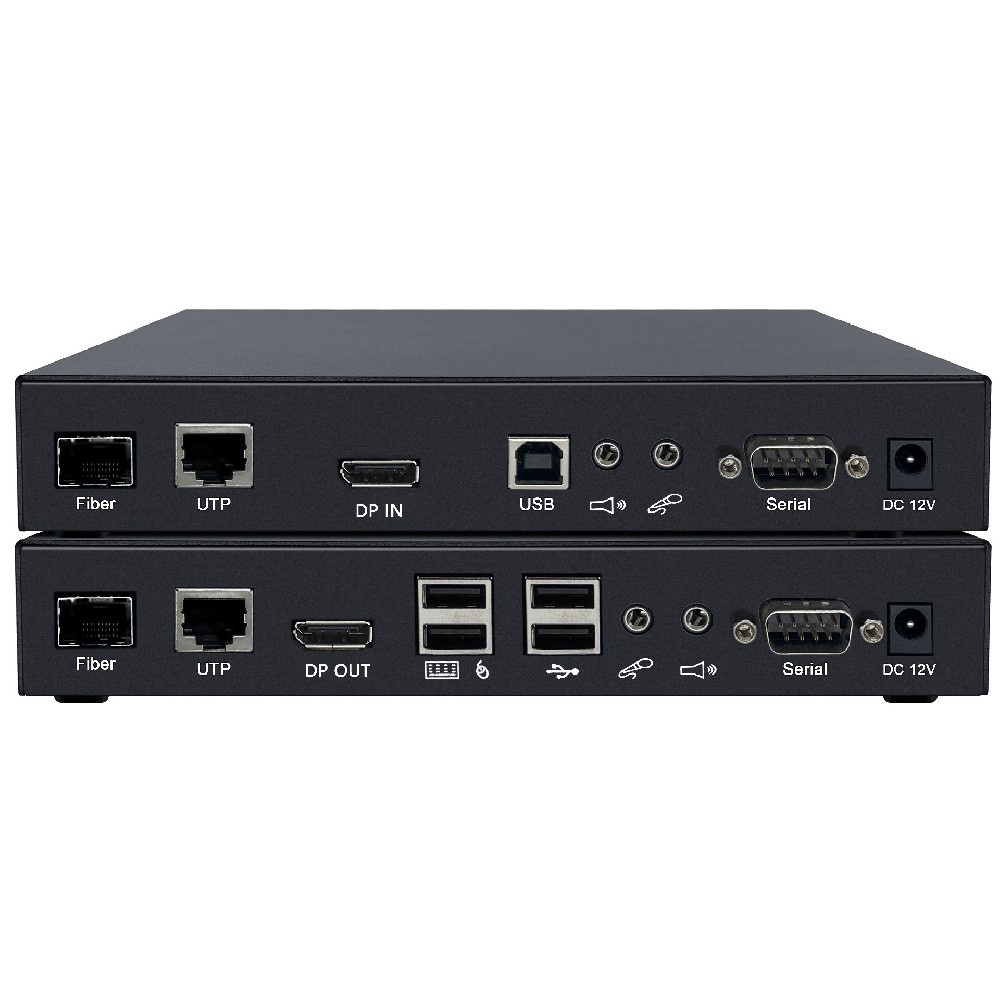
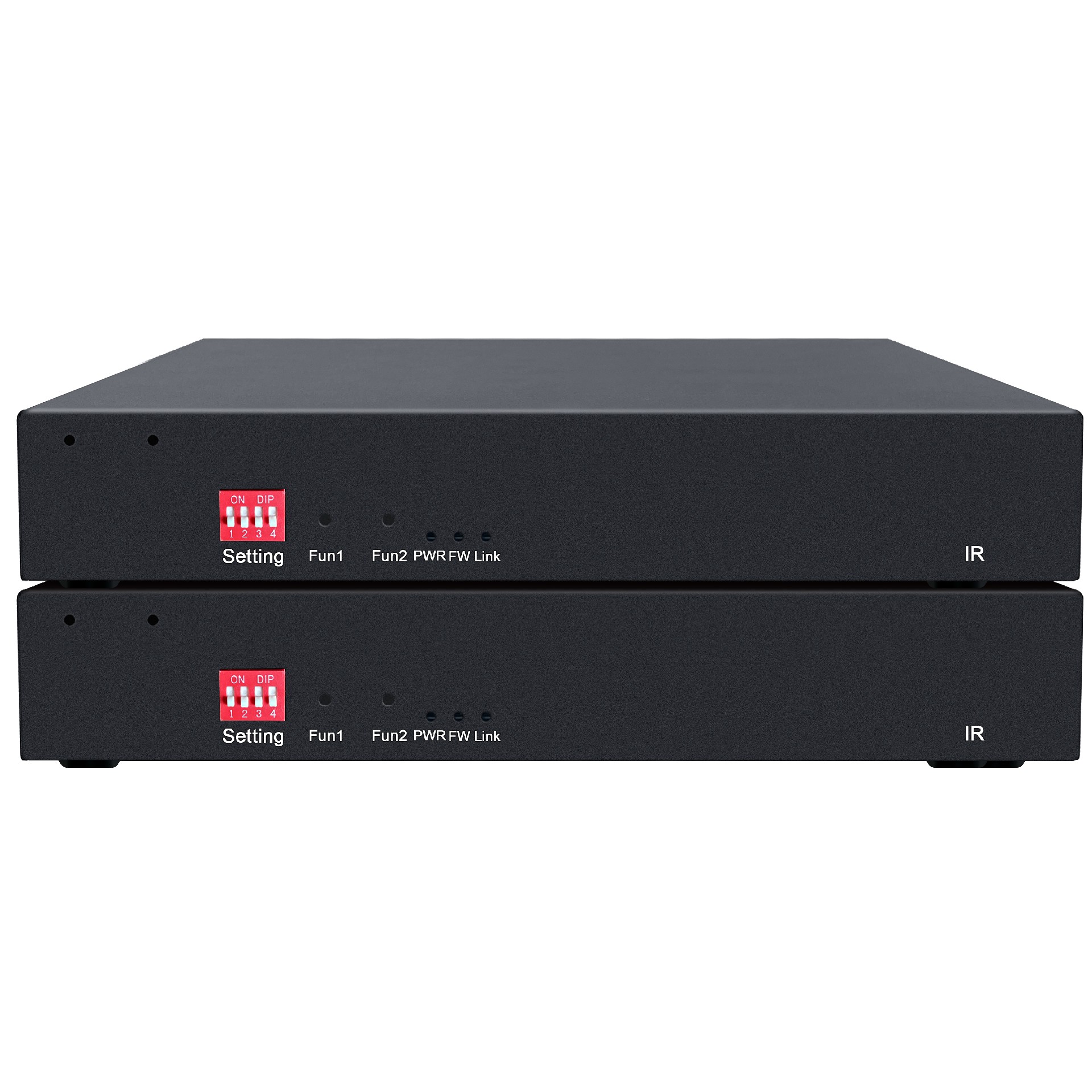
分类:Dual screen KVM encoder
描述:
Functional FeatureslAdopts gigabit digital encoding technology for clear, smooth images with low latency;lLow latencylIndependent two-way audio transmission;lDP digital audio and DP audio separation function;lUSB 2.0 HUB function (supports USB devices such as U d0755 86120002

l Adopts gigabit digital encoding technology for clear, smooth images with low latency;
l Low latency
l Independent two-way audio transmission;
l DP digital audio and DP audio separation function;
l USB 2.0 HUB function (supports USB devices such as U disks, printers, wireless keyboards and mice, touch screens, etc.);
l Signal transmission via RJ45 network port, extendable up to 150 meters;
l Supports 3840 x 2160@60Hz, YUV444, and is backward compatible with multiple conventional resolutions;
l HDR10、HDR10+
l LPCM up to 12 channels, Dolby Digital Plus, Dolby TrueHD, DTS-HD Master Audio, Dolby Atmos
l Powerful design with 4 USB ports, meeting the usage needs of high-capacity USB devices;
l IP cascading support for distance-independent transmission;
l Hot-swappable design for plug-and-play functionality.
1. First, verify that the dial codes on both the sender and receiver match.
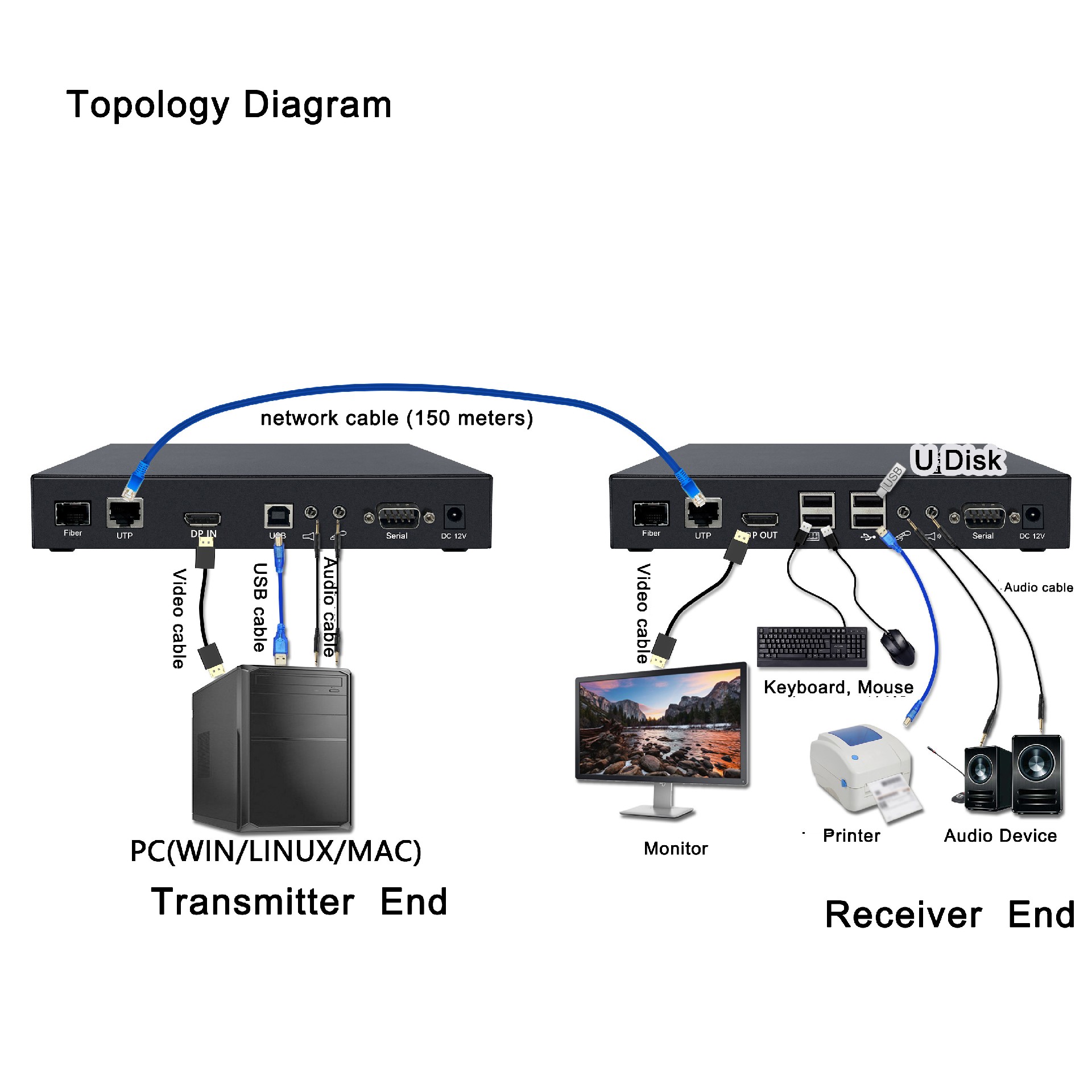
2. The transmitter connects to the controlled host via standard video cables, USB cables, and audio cables.
3. The receiver connects to monitors, audio devices, USB keyboards, mice, and other USB peripherals.
4. The sender and receiver are connected by a network cable (possibly through a switch).
5. Turn on the power supply of the transmitter and receiver;
6. The sender and receiver display the connection status through indicator lights;
7. Supports hot-swapping, allowing you to add or remove controlled devices at any time without shutting down the KVM power.
8. Cross-platform support for mainstream operating systems including Windows, Linux, and Sun.
Note: Change the dial code and power off the device to restart it.
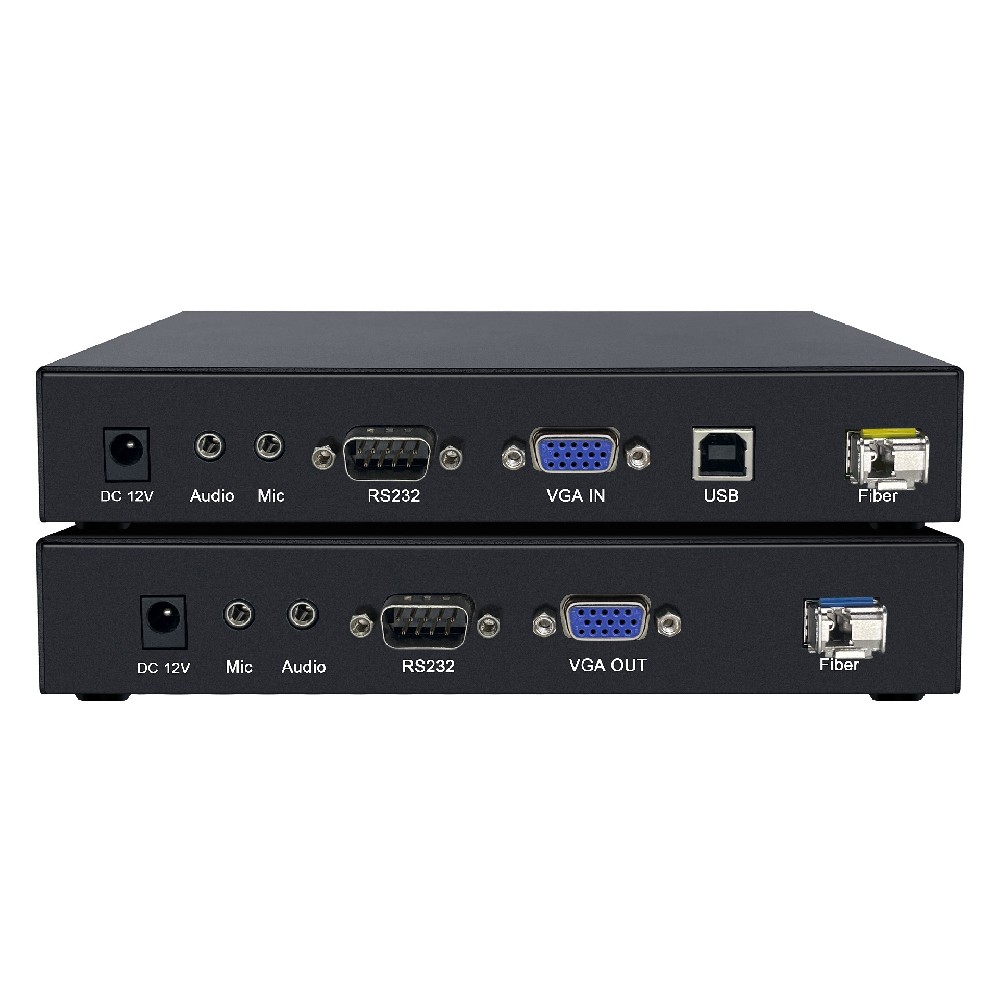
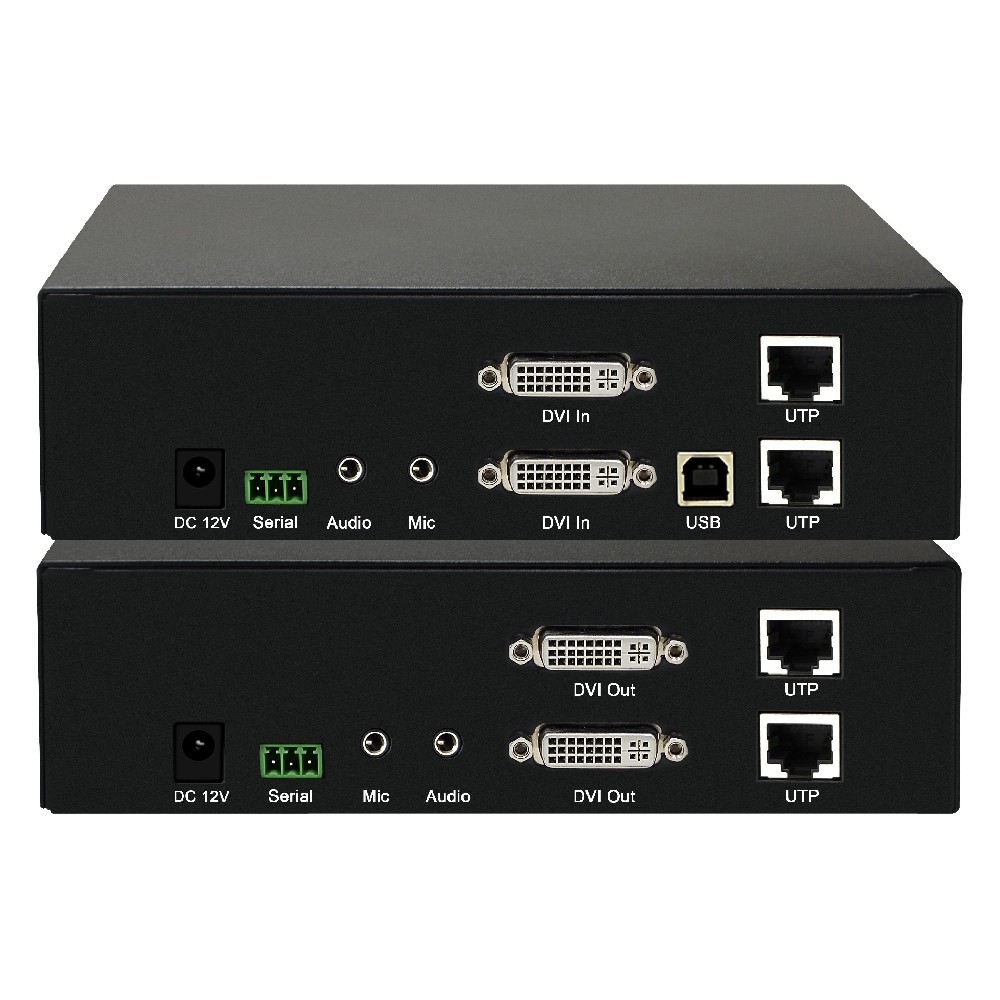
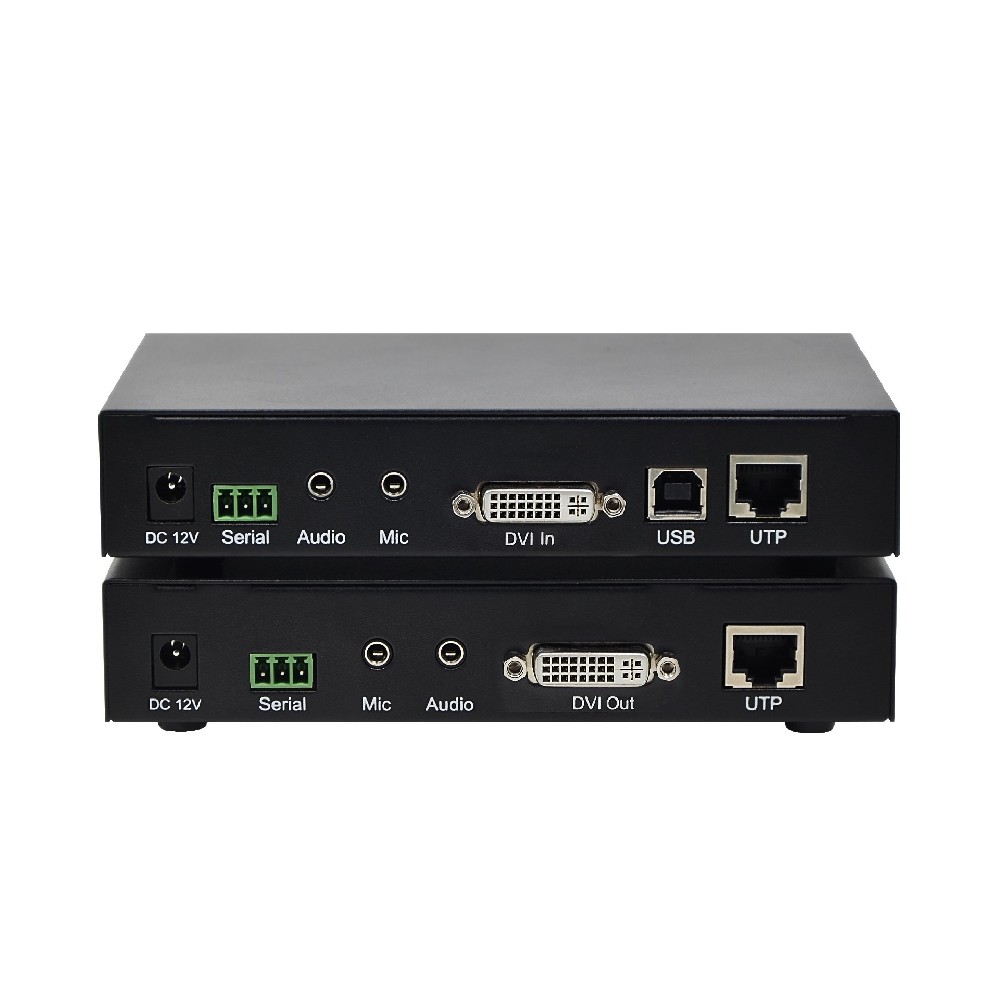
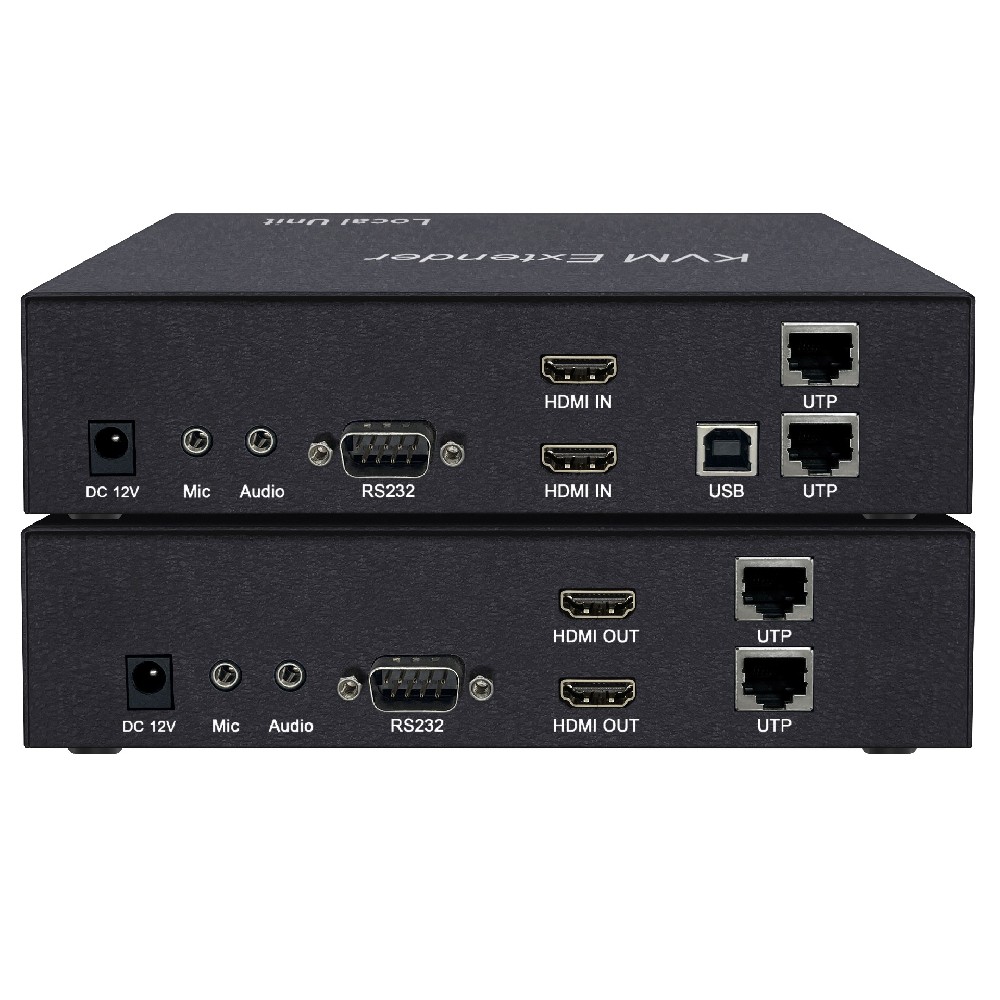
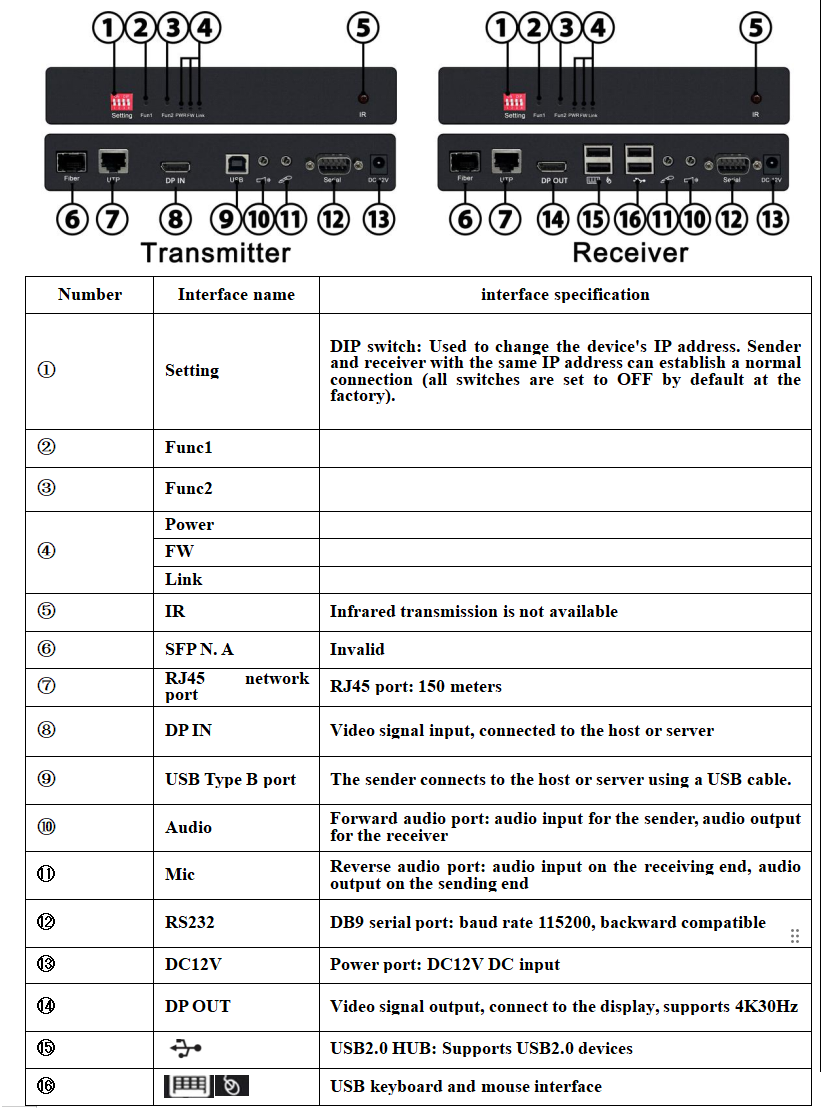
Interface Diagram
Assembly List
Thank you for using our products. Please open the packaging and first check the product packing list.
Product packing list:
√ KVMExtender Sender | One |
√KVM Extender Receiver | One |
√ Video Line | One |
√ Audio line | One |
√ USB A to B cable | One |
√ 12V/2A power adapter | TWO |
√ Warranty card certificate | One copy each |
Transmitter | Receiver | |
Connect port | DP video port*1 | DP video port*1 |
RS232serial port*1 | RS232serial port*1 | |
USB Type B port*1 | USB Type A port*4 | |
Audio interface*1 | Audio interface*1 | |
Microphone interface*1 | Microphone interface*1 | |
RJ45 network port*1 | RJ45 network port*1 | |
SFP Fiber Optic Interface *1 | SFP fiber optic interface*1 | |
PowerIndicator light*1 | PowerIndicator light*1 | |
FWIndicator light*1 | FWIndicator light*1 | |
LinkIndicator light*1 | LinkIndicator light*1 | |
Resolution | Supports up to 3840*2160@60Hz and 1920*1080@60Hz | Supports up to 3840*2160@60Hz and 1920*1080@60Hz |
Power supply | Power Input *1 | Power Input *1 |
12V2A | 12V2A | |
Operating Environment | Recommended operating temperature: 0-50°C | Recommended operating temperature: 0-50°C |
Storage temperature: -20-60°C | Storage temperature: -20-60°C | |
Humidity: 0-90% RH (non-condensing) | Humidity: 0-90% RH (non-condensing) | |
Power Supply | Iron shell | Iron shell |
size 193*135*33(L*W*H)mm | size 193*135*33(L*W*H)mm |
 DYLINK new technology
 0755 86120002
 liyj@dayapc.com
 13316531915
 West 2nd Floor, Building B, No. 91, Ma Hom South Road, Ma Hom Community, Xili Street, Nanshan District, Shenzhen
  公众号二维码
公众号二维码
业务主管
业务经理
业务经理
业务经理
售后